The Creative Process With AI — Sprint, Stare, Download, Expand
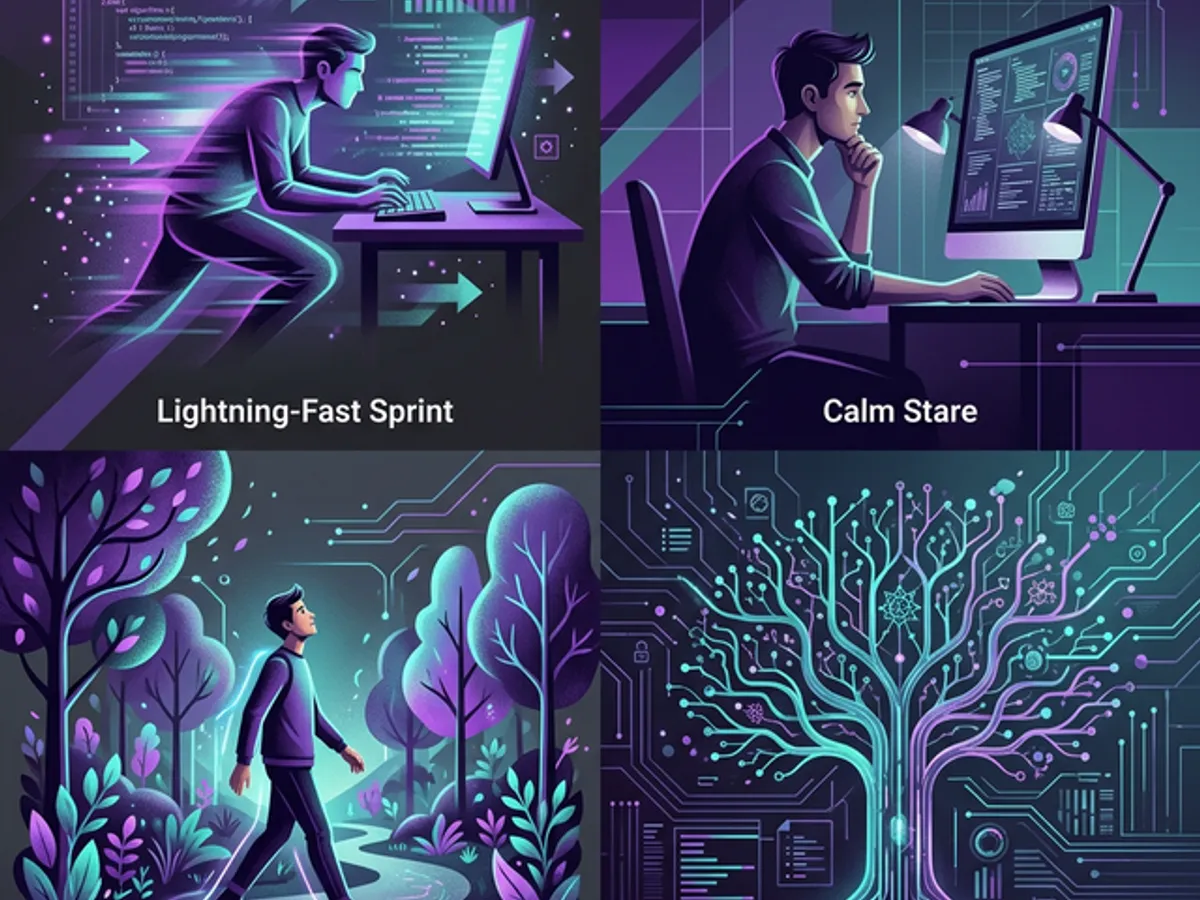
AI handles sprint speed. Humans bring the staring, the walking away, and the returning with vision. The creative process with AI isn't different in kind — it's different in rhythm. Slow thinking + fast execution = the only workflow that produces interesting work.
Speed Is the Easy Part
The creative process with AI is defined by four phases: sprint, stare, download, and expand — and only one of them is fast. The others require patience that AI culture constantly pressures you to skip. Don't.
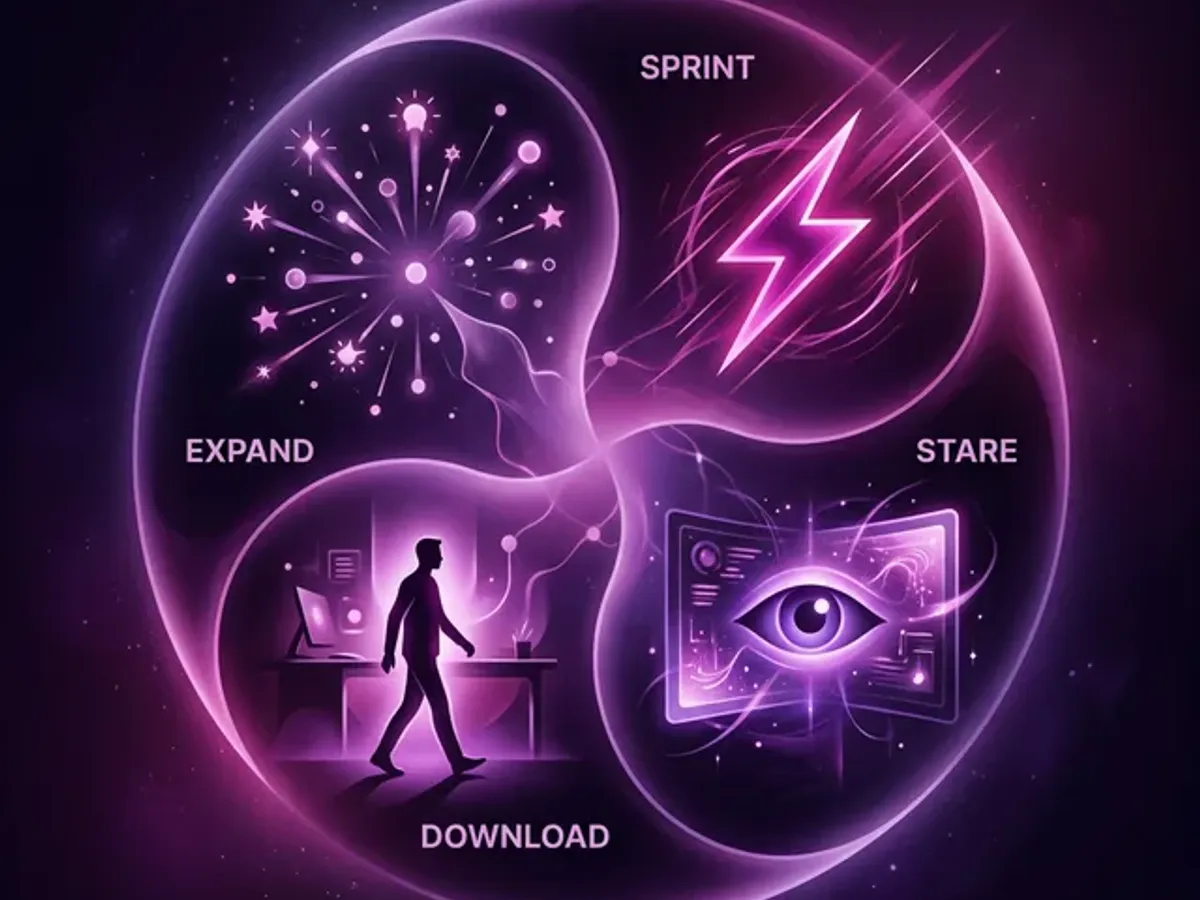
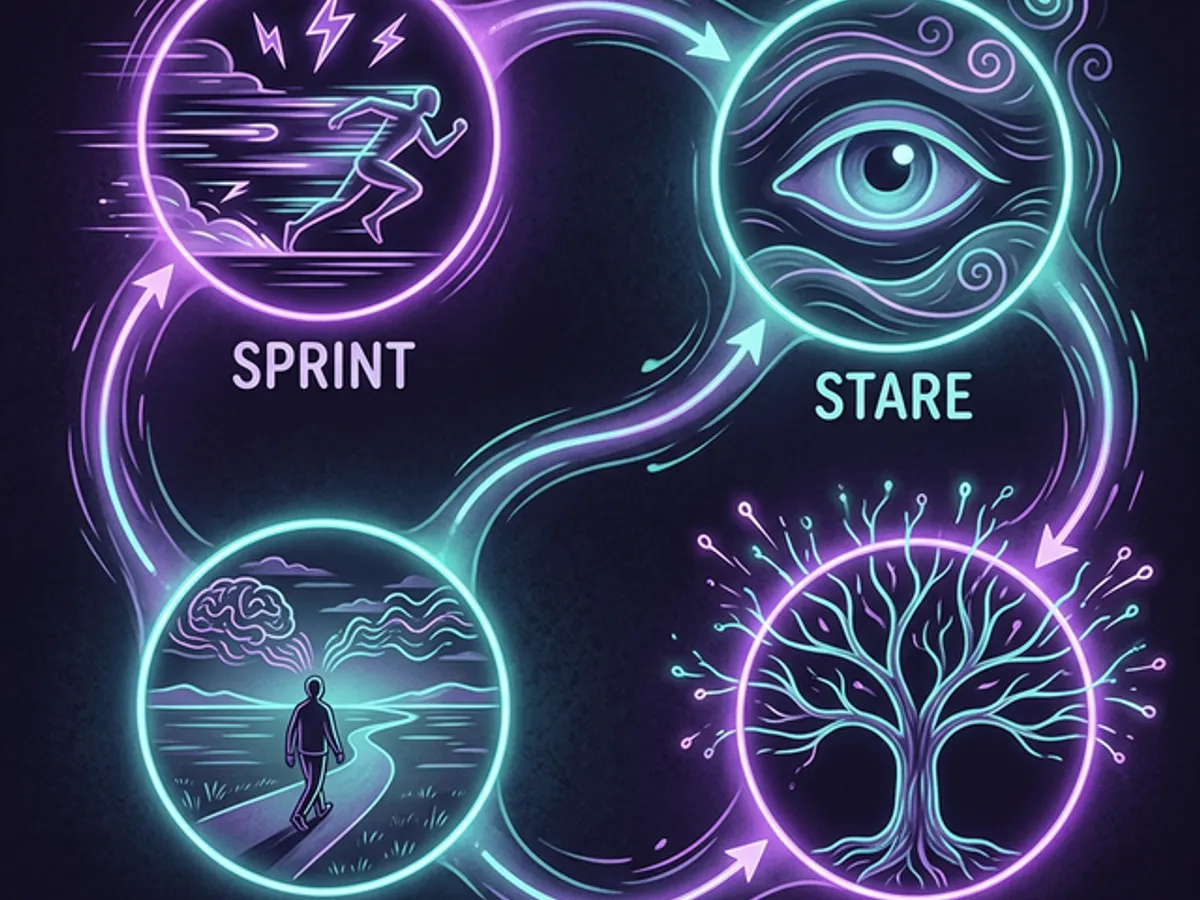
What are the four phases of creative work with AI? Sprint is fast, AI-assisted execution — translating a clear vision into output at machine speed. Stare is the deliberate, extended review of that output — identifying what's wrong, what's missing, and what doesn't feel right yet. Download is the time away from the work — walking, sleeping, letting the problem run in the background. Expand is returning with something new: a connection, a layer of meaning, an improvement that wasn't visible in the sprint. Only the sprint is fast. The other three are where the quality lives.
When most people talk about AI creativity, they talk about speed. How fast can it write? How fast can it code? How fast can it generate? The answer is: very fast. Impressively, almost uncomfortably fast.
But speed is the easy part. The hard parts are what make the output worth anything — and the hard parts are distinctly, irreducibly human.
Phase 1: Sprint — What AI Does Best
Sprint is where the AI earns its keep. You have a clear vision. You know what you're building. You've done the planning. And now you let the AI execute at machine speed.
What sprint looks like in practice:
- Building the component you've already designed in your head
- Writing the first draft of an article you've outlined in detail
- Generating options for a single specific decision you're trying to make
- Translating an implementation plan into working code section by section
Sprinting with AI is 10-20x faster than doing the same work manually — but only when the vision is clear. When the vision is unclear, sprinting with AI generates the wrong thing very fast.
This is why implementation planning and vision engineering matter. The quality of the sprint is entirely determined by the quality of the preparation. AI amplifies your thinking — it doesn't replace it.
If you're sprinting and the output feels wrong after 3 iterations, stop sprinting. You haven't found the vision yet. Go stare. Then come back.
Phase 2: Stare — What AI Can't Do
After the sprint, you have output. And now you do something counterintuitive: you stop.
Review and iterate immediately. You look at what was built. You look at it for a long time. You look at it from different angles — different screens, different zoom levels, at different times of day. You read it out loud. You screenshot it and look at it as a thumbnail.
This is staring. It's a skill that AI culture actively discourages because it looks like inactivity. It isn't.
Staring produces three things that nothing else produces:
The problem you can't articulate yet is already visible. Staring gives it time to surface into words.
The gap between what was built and what was envisioned often only becomes visible when you stop building.
You can't know if something "feels right" the moment it renders. You need time to form a real reaction.
The fleeing cards feature went through 6 iterations. Each one seemed fine immediately after building. Each one revealed problems during the stare phase that wouldn't have been obvious otherwise.
| After Sprint | After Staring |
|---|---|
| "Cards flee on hover. Leave ghost slot. Bounce back on unlock. 400ms animation." | "Cards don't just flee — they have a personality. Nervous ones flee fast. Confident ones linger. The ghost slot shows where they used to be, like they left a mark." |
Phase 3: Download — Walking Away Is Engineering
Does walking away from AI work actually help? Yes — and there's neurological research behind it. The default mode network, the brain region active during rest and mind-wandering, is where creative synthesis happens. Connections form between ideas that deliberate thinking keeps separate. Features that felt complete during the sprint reveal their missing layers during the download. The hours away from the screen are part of the creative process — not breaks from it.
The download phase is the hardest to defend to productivity culture. It's the time you spend not working on the project — but the project keeps working in your head.
This is how the blog card rivalry system was invented. The sprint produced cards that fled. The stare revealed they felt slightly hollow — entertaining but not alive. And then, during a walk, the question arrived: What if they talked about each other when I'm not looking?
That idea wasn't generated by the AI. It wasn't generated by deliberate thinking. It surfaced during a 20-minute walk, because the stare phase had loaded it into the background processor.
The argument for walking away is neurological: the default mode network — the brain region active during rest and mind-wandering — is where creative synthesis happens. Deliberate thinking uses a different region. Some connections are only accessible when the deliberate thinking stops.
AI can run 24 hours. You can't, and you shouldn't try. The hours away from the screen are part of the creative process, not breaks from it.
Phase 4: Expand — Return With More
The expand phase is when you come back from the download with something new — a connection, an idea, a realization — and the project grows.
Expansion isn't just adding features. It's adding meaning. The card rivalry system didn't add functionality to the blog; it added personality. The AI reading companion didn't change the content; it changed the experience of reading the content.
Expansion patterns:
- Depth expansion — going further into what already exists, finding layers that weren't obvious before
- Connection expansion — realizing this feature connects to that feature in a new way
- Persona expansion — adding character and intention to what was previously functional
- Capability expansion — building new infrastructure that makes future features possible
The expand phase also determines what gets removed. Returning with fresh eyes often reveals that something built during the sprint is unnecessary — technically interesting but not serving the vision. Deletion is expansion. Simplification is expansion.
What AI Speed Tricks You Into Skipping
The most common misconception about AI-assisted creative work: if the output comes fast, the process is complete.
It isn't. Speed is only one of the four phases, and it's the one AI handles. The other three — judgment, synthesis, expansion — happen at human pace, off-screen, often away from the computer entirely. AI makes these phases more important, not less, because the volume of output it can produce means the gap between "technically correct" and "genuinely good" widens faster.
| What people assume about AI creative work | What's actually happening |
|---|---|
| Fast generation = faster creative process | Sprint is faster; the other phases take the same time |
| More output = more options = better result | More output without stare/download produces quantity, not depth |
| If you keep prompting, the work improves | Iteration without distance produces refinements, not breakthroughs |
| Walking away wastes time | Download happens offline — synthesis requires distance |
| AI can replace the judgment phase | AI cannot stare, cannot evaluate its own output against your intent |
The people whose AI-generated work looks generic skipped phases 2, 3, and 4. Not because they're less talented — because the tool made it possible to skip them without immediately noticing.
Why AI Makes This More Important, Not Less
A common failure mode: AI builds so fast that the sprint never stops. There's always more to add, always another feature to generate. The stare and download phases get sacrificed to the momentum.
This produces quantity without depth. Features that work but don't connect. Content that's accurate but not alive.
The rhythm of slow thinking + fast execution is the creative competitive advantage that AI can't duplicate. AI can sprint indefinitely. It can never stare, and it can never walk away.
These are the phases where your taste, your perspective, and your lived experience enter the work. Skip them, and the AI's defaults fill the gap — which is why so much AI-generated work feels similar. Not because the tools are the same, but because too many people skip the phases that make the output theirs.
| Phase | Who does it | What it produces |
|---|---|---|
| Sprint | AI (with human direction) | Output — fast, technically correct |
| Stare | Human only | Judgment — what's wrong, what's missing |
| Download | Human only (offline) | Synthesis — the ideas that only surface in the background |
| Expand | Human-led, AI-executed | Depth — layers of meaning the sprint couldn't access |
The four phases work as a cycle — not a sequence. Each time through, the work gets stronger. The AI handles the sprint. Everything else is yours. Everything else is the part that matters.
The creative process with AI isn't faster than the creative process without it. The execution is faster. The creation takes as long as it needs to — and the parts you can't automate are exactly the parts worth protecting.
→ Stop Prompting — Start Planning — the sprint phase runs best when it's executing a plan, not interpreting a vague prompt. This is how to build that plan.
This post is part of our AI Productivity Stack — the full system for building faster, thinking clearer, and shipping better with AI.