Your Blog Cards Are Boring — Ours Run Away From Readers
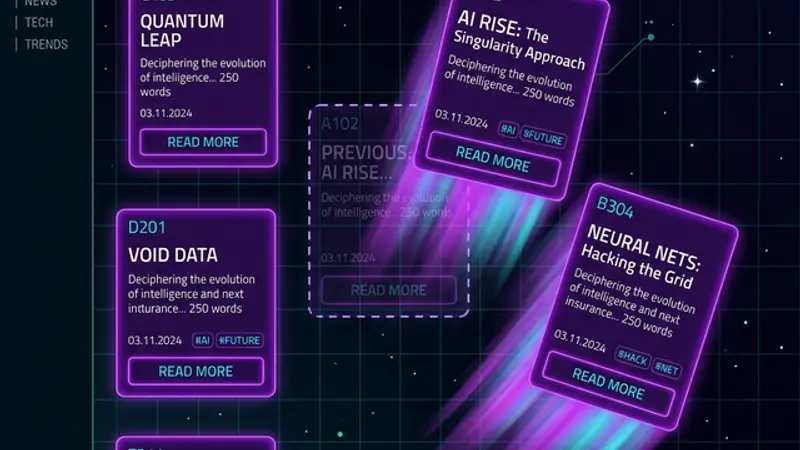
Static blog grids are forgettable. We built cards that dodge your mouse, cycle AI personas, argue via speech bubbles, and filter by mood — making the blog itself part of the content experience.
Your Blog Grid Is Furniture — Not Content
Interactive blog cards powered by AI transform static content listings into memorable UX experiences that keep visitors exploring. Most blog pages are furniture — functional, forgettable, and identical to every other blog on the internet. A grid of cards. Maybe a hover effect. Perhaps a gradient border if someone was feeling ambitious.
That's a content experience. That's a filing cabinet.
What is interactive blog design? Interactive blog design is the practice of building blog index and listing pages as active experiences rather than passive navigation layers. Instead of static card grids, interactive blog design uses behavioral mechanics — elements that respond to hover, time, cursor position, or scroll state — to make the listing page itself part of the content experience. The goal is to turn browsing into play: visitors who are engaged by the index spend more time on the page, read more articles, and return more often.
We decided our blog should be part of the story, not just a container for it. The result? Cards that run from your cursor, argue with each other via speech bubbles, cycle through AI personalities, and filter by mood instead of boring categories.
Here's how we built it — and why it matters more than you think.
Cards That Don't Want to Be Read
The core mechanic is simple: when you hover over a blog card, it doesn't just highlight — it flees. The card vacates its grid slot and reappears somewhere else, leaving behind a dashed outline and a message: "💨 It was here a second ago..."
The flee behavior uses a slot-based system. Each card occupies a grid position, and when hovered, it swaps to an empty slot. The slot it left becomes visibly empty, creating a visual narrative of escape. Lock the cards down with the 🔒 button, and they behave — reluctantly.
This isn't just whimsy. It creates engagement through friction. Users who have to "catch" a card are more invested in reading it than users who passively scroll past one. It turns browsing into play.
The technical implementation uses useRef for the source-of-truth slot map (avoiding stale closure bugs), a sync counter pattern for render consistency, and CSS transforms for the landing animation — a bouncy cubic-bezier(0.34, 1.56, 0.64, 1) that makes each repositioned card feel alive.
When users have to work slightly to interact with content, they invest more attention in it. The same reason physical books feel more valuable than e-readers to many readers.
AI Personas: Every Card Has an Opinion
Static blog cards show a title and description. Ours show attitude.
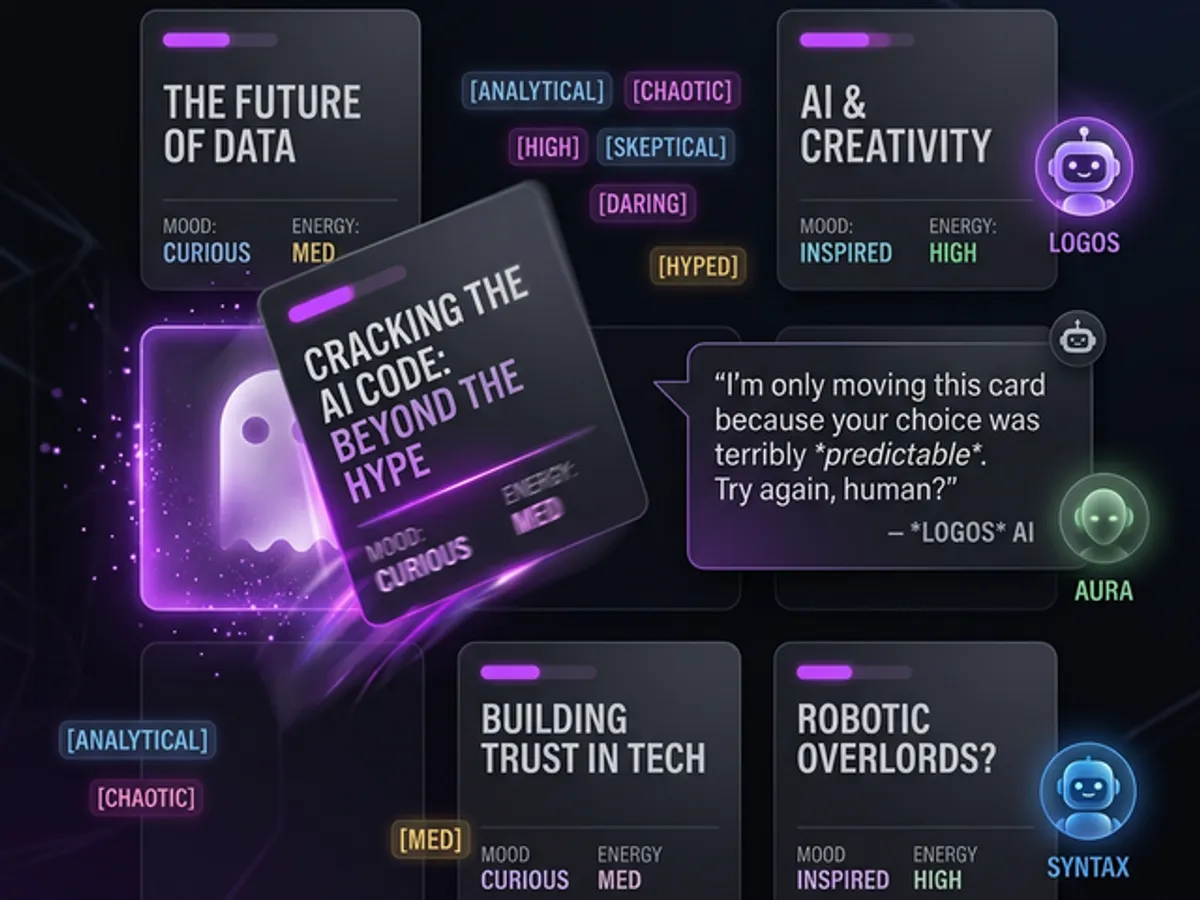
Every 7 seconds, each card cycles through a pool of AI persona quotes — rotating through personalities like "Professional," "Insecure," "Competitive," "Philosophical," "Sales Bot," and "Snarky." One moment a card says "Recommended reading." The next it says "The other cards are better, honestly."
The persona system uses a Set-based uniqueness tracker to ensure no two cards show the same quote simultaneously, and it resets the pool when it runs low. The result: every visit to the blog page feels different — the cards literally have different things to say each time.
This technique works because it creates the illusion of intelligence. The blog feels aware. Visitors spend more time on the page just watching the quotes cycle, which directly improves time-on-page metrics that search engines use as engagement signals.
Article Rivalry: Cards That Argue
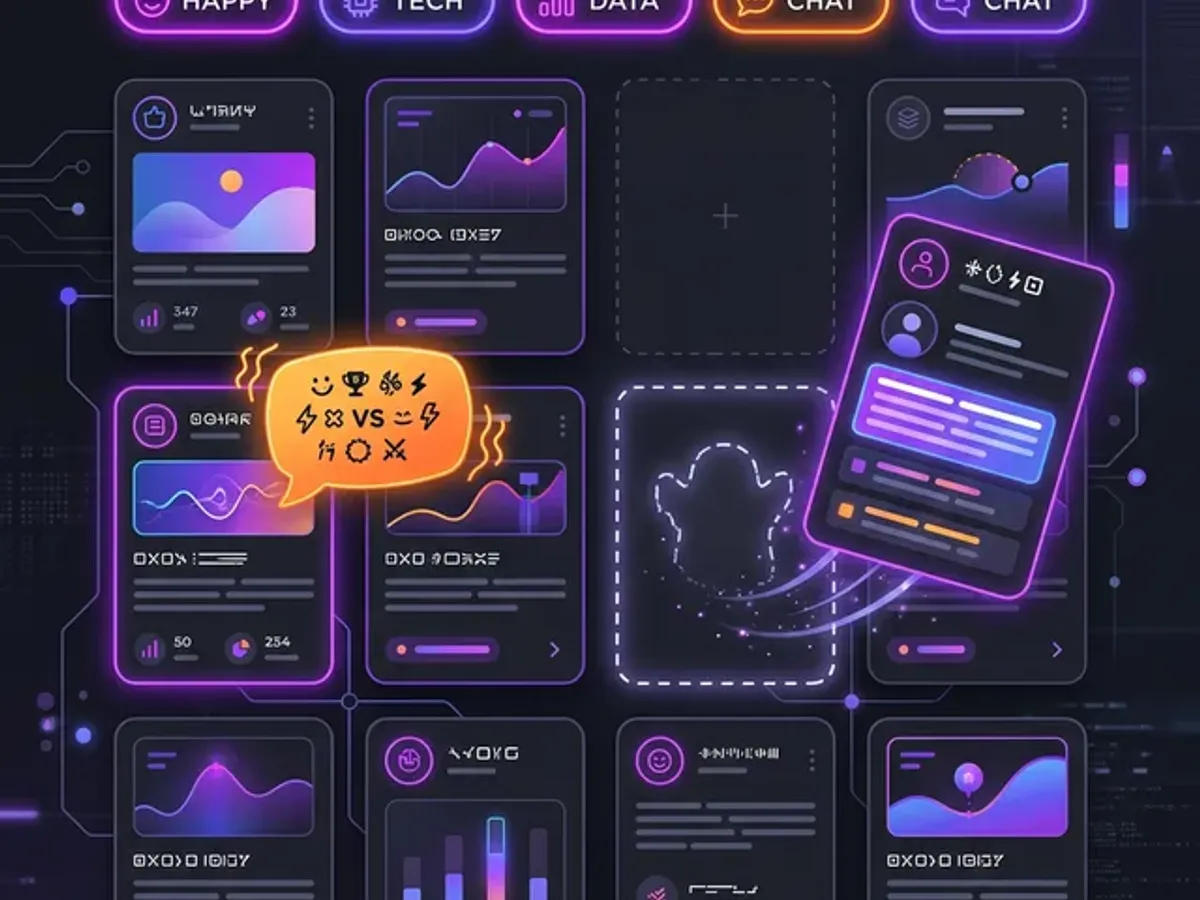
The most unexpected feature is Article Rivalry — two blog cards periodically start arguing with each other via orange speech bubbles.
We have 18 rivalry scripts covering curated card pairs. Each script is a 6-line back-and-forth exchange:
AI Web Design: "My article made WordPress cry."
CSS GPU: "Your article crashed 3 GPUs."
AI Web Design: "At least mine looks good doing it."
CSS GPU: "Performance > aesthetics. Always."
AI Web Design: "Tell that to the users who bounced."
CSS GPU: "...okay, fair point."
The rivalry timer fires every 25 seconds, picking a random script and revealing messages 2 seconds apart. The bubbles use an orange/amber accent (distinct from the purple persona bubbles) with a ⚔️ prefix and a punchy scale animation.
Why does this work? Because it gives the content relationships. Articles aren't isolated items — they're characters in a story. Visitors return to see what the cards say next.
Mood-Based Sorting: Filter by Feeling
Traditional blog filtering uses tags or categories. We added something different: mood filtering.
Instead of "web-dev" or "productivity," our filter pills offer:
- 🔥 Spicy Take — opinionated articles
- 🧪 Experimental — try-this-yourself content
- 💀 Brutally Honest — no sugar-coating
- 🧠 Deep Dive — long-form analysis
- ⚡ Quick Hit — fast reads
Each mood has its own color accent, and selecting one triggers an AI reaction: "You chose violence. Respect." for Spicy, or "Bring snacks. This goes deep." for Deep Dive. Non-matching cards dim to 30% opacity with a subtle grayscale filter.
Mood filtering changes the browsing psychology. Tags are clinical; moods are emotional. Choosing "Brutally Honest" is a statement of intent. It tells the reader what experience to expect, not just what topic they'll encounter.
What Interactive Blog Design Isn't
The most common misconception: interactive blog design means adding animations and hover effects. It doesn't. Animations are the output. Engagement is the goal.
| What people think it is | What it actually is |
|---|---|
| Hover effects and transitions | Behavioral mechanics that serve the reader's browsing psychology |
| UI decoration that looks impressive | Features that change why and how visitors choose what to read |
| Gimmicks that compete with content | Personality that makes the index itself part of the experience |
| Complex to implement, expensive to maintain | Composable independent systems (each one under 3KB of gzipped JS) |
| Something only big sites can do | One interactive element changes everything — start with one |
The test for any interactive blog feature: if someone disabled it, would they miss it? If the answer is no — it's decoration. If yes — it's design.
The Design Philosophy: Interactive ≠ Gimmick
There's a fine line between interactive design and gimmicky nonsense. Every feature we built serves a purpose:
| Feature | Purpose |
|---|---|
| Fleeing cards | Creates engagement through playful friction |
| AI personas | Makes repeat visits feel different |
| Article rivalry | Gives content relationships and personality |
| Mood filtering | Matches reader intent to content experience |
The key principle: the blog page itself is content. If your listing page is just a way to get to the "real" content, you're wasting the most-visited page on your blog.
Your blog index is your highest-traffic page. Making it interactive means making your most-visited surface part of the experience — not just a navigation layer.
Interactive elements also provide real context signals that help visitors choose what to read — the persona quotes and mood badges communicate more about an article's tone than a 2-line description ever could.
Building This Without Losing Performance
Interactive features are worthless if they tank your Core Web Vitals. Every animation uses CSS transforms (GPU-composited) rather than layout-triggering properties. The persona cycling uses useCallback with stable references. The rivalry timer cleans up properly on unmount.
The entire system adds approximately 8KB of gzipped JavaScript — trivial for the engagement it generates.
Why You Should Try This
You don't need to copy our exact implementation. But consider this: your blog page is your most-visited list view, and you're probably treating it like a spreadsheet.
Add one interactive element. Give your cards a personality. Let them react to hover. Create a filtering system that reflects your content's energy, not just its topic.
The web is full of identical blog grids. The ones that feel alive are the ones people remember — and return to. A grid that behaves differently each visit isn't a gimmick. It's the thing that makes someone screenshot it and send it to a friend.
→ The Architecture of a Blog That Feels Alive — how all 8 interactive systems run simultaneously without performance tradeoffs.
This post is part of our Interactive Components guide — the full breakdown of every interactive element that makes this blog feel alive.