The IDE Advantage Isn't About Code — It's About Context
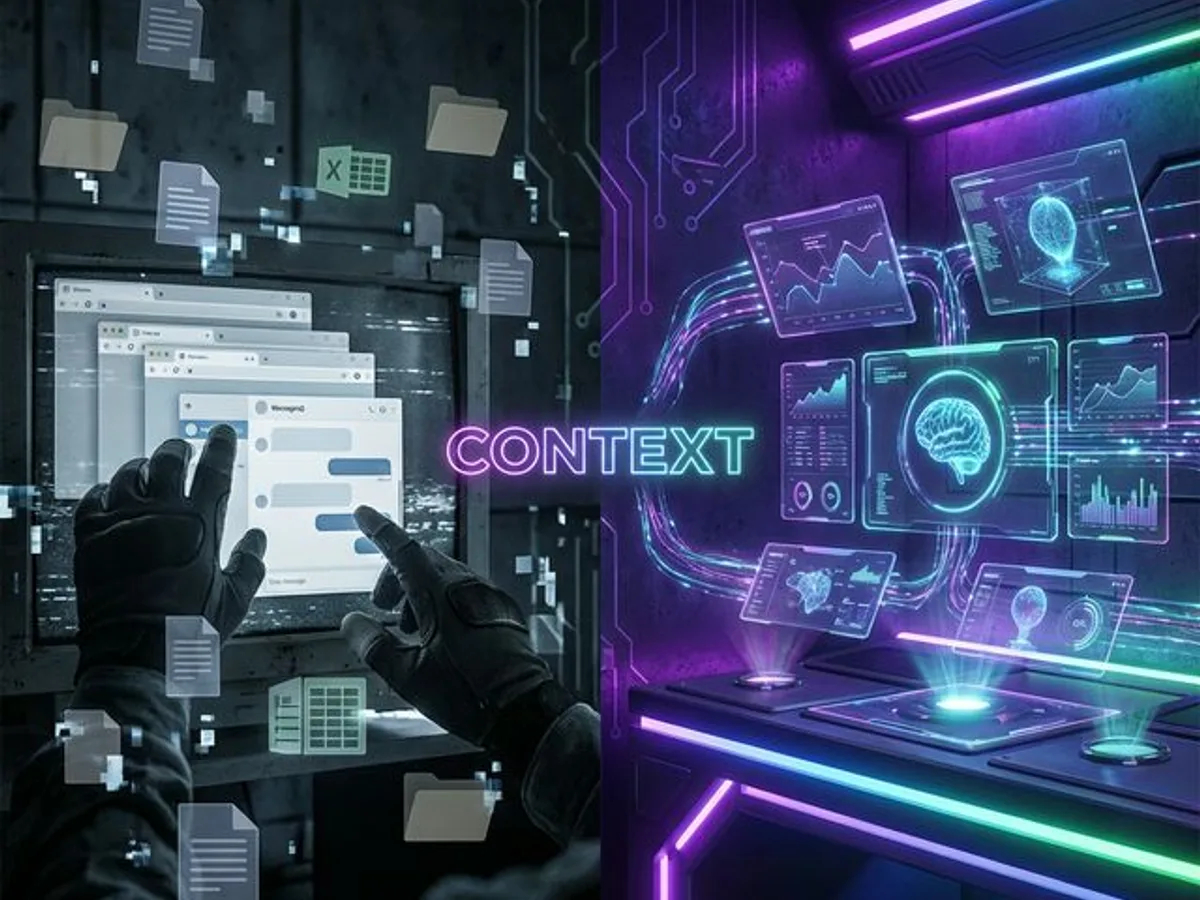
AI assistants with workspace context outperform chat-based ones because they eliminate the context-transfer bottleneck. This advantage applies to every profession, not just developers.
The Article That Proved the Point
Workspace-aware AI tools — assistants that can see your files, terminal, and browser — produce dramatically better output than chat-based AI. Not because they use better models, but because they eliminate the context-transfer bottleneck that makes standalone chat AI blind to your actual work.
What is a workspace-aware AI tool? A workspace-aware AI tool is an AI assistant integrated directly into the environment where work happens — an IDE, a design tool, a document editor — with persistent access to files, project structure, terminal output, and revision history. Unlike chat-based AI (where the user provides context through pasting, uploading, and describing), a workspace-aware tool has grounded, automatic context. It doesn't start from zero. It starts from everything. The quality improvement this creates isn't marginal — it's categorical: the model stops guessing and starts working with facts.
A few days ago, I published an article about why AI belongs in your IDE, not a chat tab. The thesis was simple: an AI that can see your project files, terminal, and browser gives dramatically better results than one you have to brief from scratch.
But while writing it, I framed everything around code. Debugging CSS, fixing performance issues, writing technical blog posts. Developer stuff.
Then a thought hit me:
Why does this only apply to developers?
It doesn't.
The Core Insight Has Nothing to Do With Code
The fundamental advantage of agentic AI tools — those with workspace access, tool use capabilities, and persistent memory — is identical regardless of whether you're writing code, marketing copy, or research papers. Context eliminates the translation layer between what you know and what the AI can see.
No copy-pasting needed. The AI reads your project structure, open files, and dependencies directly — with full context that never goes stale.
Terminal output, browser errors, build failures — consumed directly, not screenshotted or copy-pasted by you.
Context persists across sessions. No "as I mentioned earlier" explanations. No re-briefing after closing a tab.
Edit files, run commands, generate assets — not just suggest. The difference between a consultant who advises and one who executes.
Now replace "code files" with "marketing briefs." Replace "terminal output" with "analytics dashboard." Replace "git history" with "revision history."
The principle changes. The principle is identical. Context eliminates the bottleneck. The medium doesn't matter.
The Marketer
With ChatGPT:
- Open ChatGPT
- Paste your brand guidelines
- Describe your target audience
- Explain your current campaign
- Ask for a subject line → get something generic
- Paste more context → get something slightly better
- Repeat until frustrated
With an AI that sees your workspace:
"Write 5 subject lines for the spring campaign. Match the tone from the Q4 emails that performed best."
The AI already has access to your campaign files, your analytics, your brand voice doc. It was there the whole time.
The Researcher
With ChatGPT:
- Copy a paragraph from your paper
- Ask for related citations → get hallucinated DOIs
- Switch back to your bibliography
- Manually cross-reference
- Copy another section → get generic writing advice
With an AI that sees your workspace:
"Review section 3 against my bibliography. Flag any claims that aren't supported by a source in my references folder."
It reads your paper. It reads your sources. It finds the gaps. No hallucinated citations because it's working from your actual files, not training data.
The Project Manager
With ChatGPT:
- Export your project timeline as text → paste it in
- Describe what happened in yesterday's standup
- Ask for a status update → get a generic template
- Realize half the context is missing
- Fill it in manually
With an AI that sees your workspace:
"Draft a stakeholder update based on this week's completed tasks and the current timeline."
It sees the project files. It sees what changed. It writes the update with real data, not placeholders.
The Pattern Is Always the Same
Same AI model + more context = dramatically better results. This isn't about the model being smarter. It's about the model not having to guess.
Every profession that works with digital files — documents, spreadsheets, databases, designs, emails — follows the same pattern. The AI's quality is bottlenecked not by intelligence or context window size, but by how much of your actual work environment it can see.
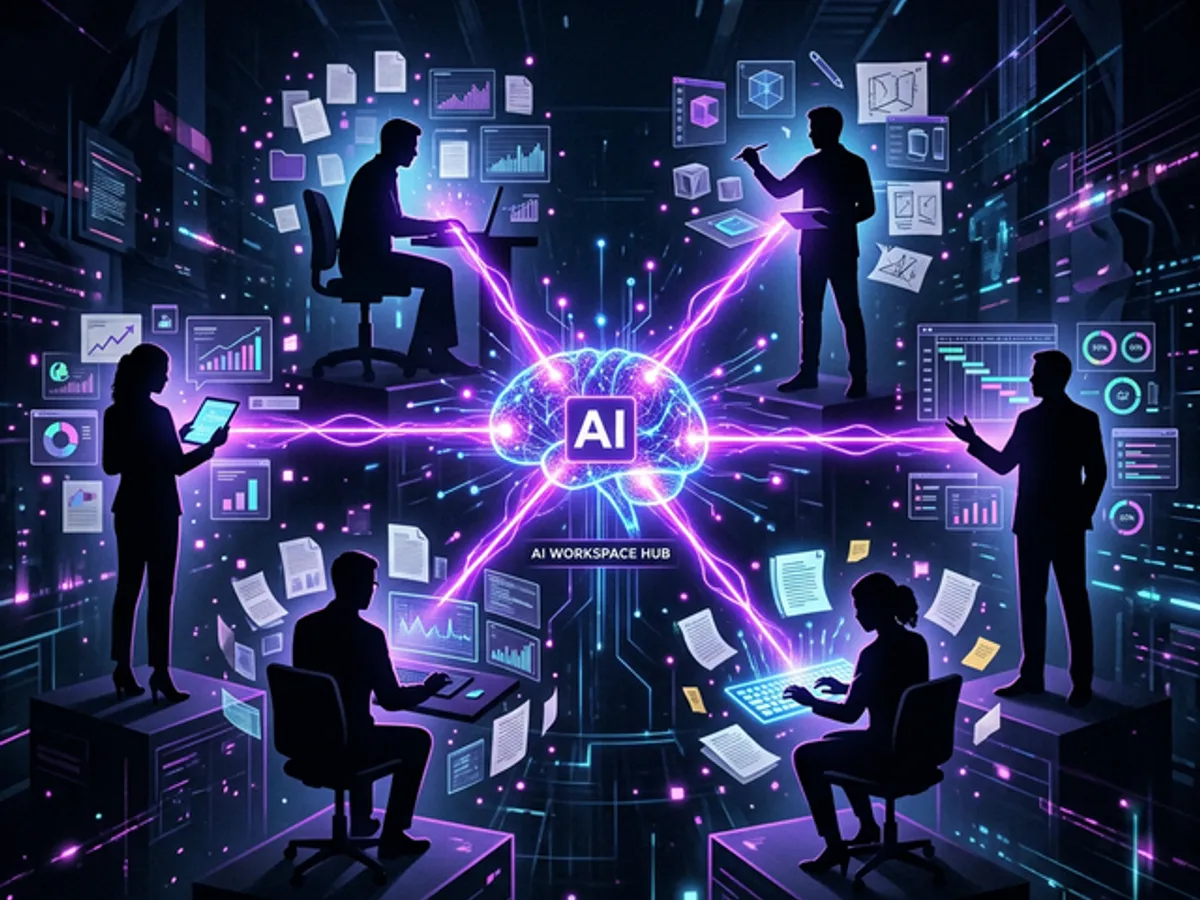
| Profession | Chat AI Sees | Workspace AI Sees |
|---|---|---|
| Developer | Pasted code snippets | Entire codebase + terminal + browser |
| Marketer | Copy-pasted briefs | All campaigns, analytics, brand docs |
| Researcher | Individual paragraphs | Full paper + bibliography + data sets |
| Designer | Described layouts | Actual design files + style guides |
| PM | Exported timelines | Live project state + meeting notes |
| Writer | Individual drafts | All drafts + style guide + past work |
"But IDEs Are For Programmers"
IDEs are only for developers. An IDE is really just a smart workspace that understands the files inside it — a file browser with semantic search, structured navigation, and integrated tools.
That's it. It's a folder viewer with superpowers. And the AI assistants built into modern IDEs like VS Code or Cursor aren't doing "developer things" — they're doing file things:
- Reading documents
- Searching across files
- Understanding structure
- Making edits
- Running commands
Yes, VS Code is more complex than a browser tab. But the gap is closing fast. Tools like Cursor are designed to feel approachable. And the ROI of spending 2 hours learning a workspace tool vs. spending 200 hours copy-pasting into ChatGPT is not even close.
You don't need to understand JavaScript or Python to benefit from an AI with file access. You need to understand files — and if you work at a computer, you already do.
Why ChatGPT Will Always Have This Limitation
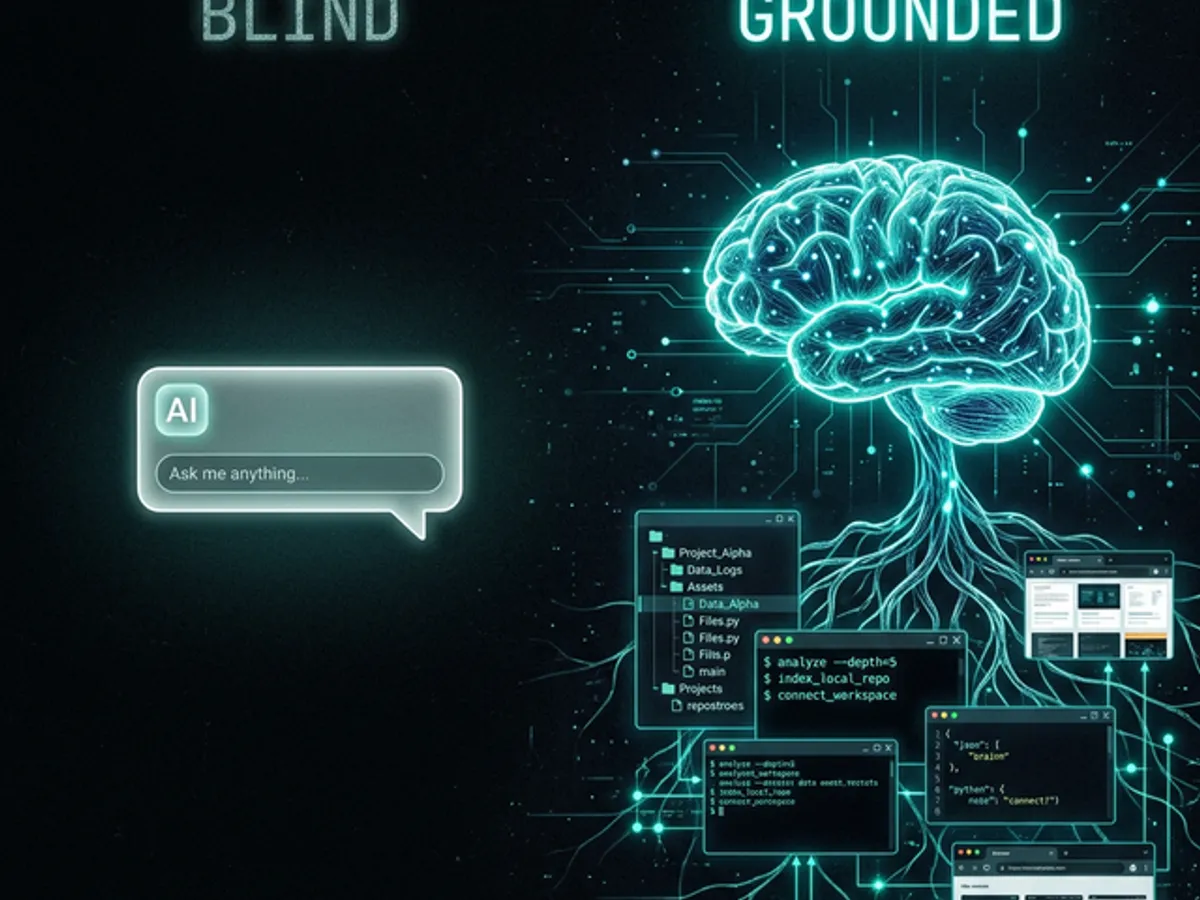
ChatGPT and similar standalone AI tools operate without grounding — every conversation starts from zero. Even with file uploads, you're still the bottleneck, deciding what to share and hoping you haven't left out the one critical detail that changes the entire answer.
The problem isn't intelligence. GPT-4, Claude, and Gemini are all capable models. It's architectural blindness.
An AI in your workspace doesn't have this problem. It's not starting from zero — it's starting from everything.
ChatGPT's biggest strength — anyone can open a tab and start typing — is also its biggest limitation. The simplicity that makes it accessible is the same simplicity that makes it blind to your actual work.
What This Means For You
Even just once. See the difference context makes. You're not switching tools permanently — you're running an experiment.
If you're pasting the same project context into ChatGPT repeatedly, that's the signal. A tool that remembers beats a tool that's fast to open.
2 hours of setup today saves 20 hours of briefing next month. The ROI is not close.
The tools you already use are adding AI that can see your workspace. Notion, Figma, Linear, GitHub Copilot. Use them — they already have context about your work.
Key Takeaways
The same AI model produces dramatically better output when it can see your workspace. It’s not about the model — it’s about what the model can see.
Any profession that works with digital files benefits from workspace-aware AI. Marketers, researchers, designers, project managers — same principle, every domain.
And it’s shrinking fast. Tools like Cursor are designed to feel approachable. The ROI on 2 hours of setup is enormous.
Easy to start, but blind to your actual work. The tab that’s easiest to open is also the one that knows the least about what you’re doing.
Chat tabs are temporary. AI is moving into the tools where work happens — and the gap between workspace AI and chat AI will only grow.
The best AI assistant isn't the smartest one. It's the one that can see what you're working on.
Every profession that relies on context — which is all of them — pays a tax when they use AI that can't see their work. Workspace-aware AI doesn't eliminate the need for judgment. It eliminates the need to explain. That's the advantage. And the gap between tools that have it and tools that don't will only grow.
→ From Bug to Blog in 10 Minutes — the workflow in action: how a debugging session becomes a published article when the AI was present for the whole thing.
This post is part of our AI Developer Tools guide — the complete breakdown of the AI tools that actually change how we build.