From Bug to Blog Post in 10 Minutes — AI in Your IDE
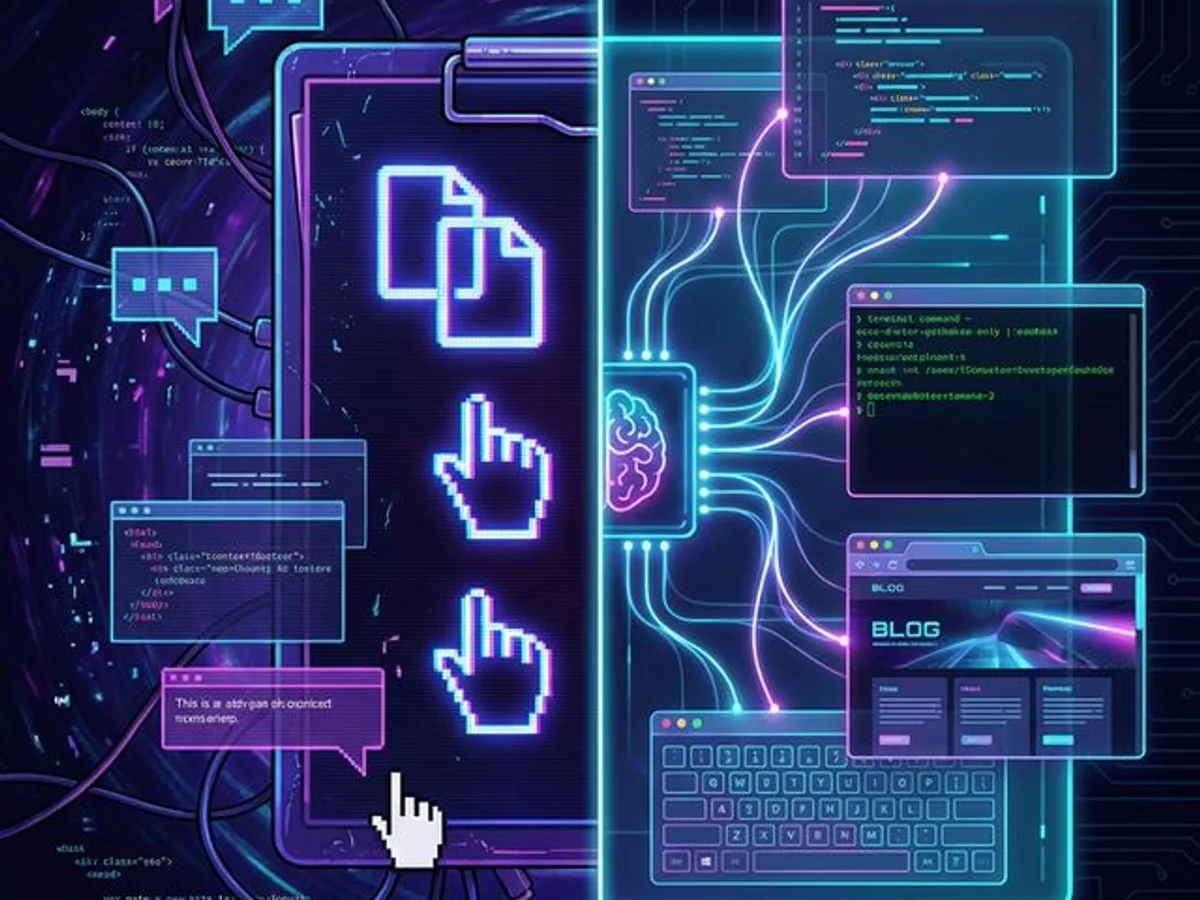
IDE-integrated AI assistants skip the 'explain your project' step entirely because they can see your files, terminal, and browser. This turns bug → fix → article into a seamless 10-minute pipeline.
This Article Exists Because of the Workflow It Describes
An AI assistant running inside your IDE — tools like VS Code with Copilot or Cursor — has access to your entire project: files, terminal, browser, and git history. This eliminates the context-transfer bottleneck that makes standalone chat AI slow and error-prone, creating a pipeline where debugging sessions naturally produce publishable content.
What is an IDE-integrated AI workflow for content? An IDE-integrated AI workflow is a content production pipeline where an AI assistant with full project context — access to code files, terminal, browser, and revision history — can turn development artifacts (bugs, fixes, debugging sessions) into publishable content without any context handoff. Unlike chat-based AI workflows where the human must re-brief the model each time, an IDE-integrated assistant was present for the entire event: the discovery, the diagnosis, the fix, and the story. The result is grounded, specific content with real code examples — produced in minutes rather than hours.
Here's something meta: this article was written by an AI assistant — the same one that helped debug the CSS animation issue I wrote about in my previous post. That article wasn't planned. It emerged naturally from a debugging session.
Here's how it happened:
- I was building this site's hero section
- The glitch animation lagged on machines without GPU acceleration
- My AI assistant (running inside my IDE) helped diagnose and fix it
- I said: "Hey, that was interesting — write a blog post about it"
- Ten minutes later, a full technical article was live — complete with code samples pulled from the actual fix, performance tables, and a generated thumbnail
No copy-pasting. No context dump. No "here's my project structure..."
The AI already knew all of it.
The Copy-Paste Tax
Every time you switch between your editor and a chat-based AI, you pay a context-transfer tax: copying code, describing project structure, explaining framework versions, and re-establishing state. Research from UC Irvine shows context switches cost approximately 23 minutes of refocus time — and coding workflows that rely on ChatGPT can trigger dozens of these switches per session.
Just the part you think is relevant — which is never exactly the right part.
Alt-tab. Lose your mental context. Forget which CSS selector you were focused on.
Framework version, folder conventions, dependencies. All context the AI should already have.
Copy again. Switch back. Copy more. Switch again. Each switch costs focus.
ChatGPT assumed a different framework version, a different file structure, a different pattern. Write another paragraph clarifying. Repeat until one of you gives up.
Every context switch between your editor and a chat window costs 23 minutes of refocus time, according to UC Irvine research. Even micro-switches — alt-tabbing to paste code — fragment concentration and slow you down.
This is ChatGPT's fault. It's genuinely impressive technology. But it's blind — it can't see your project, your terminal output, your browser errors, or the file you were just editing. You have to be its eyes and ears, and that translation layer is where productivity dies.
What Changes When AI Lives in Your Editor
When an AI assistant operates inside your IDE with agentic tool use — reading files, executing terminal commands, and navigating the browser — something fundamental shifts. It's not a chat partner you're briefing — it's a collaborator sitting next to you, with full awareness of your project's structure, dependencies, and runtime state.
Here's what it can see that ChatGPT can't:
| Context | ChatGPT | IDE-Integrated AI |
|---|---|---|
| Your open files | ❌ You paste snippets | ✅ Sees everything |
| Project structure | ❌ You describe it | ✅ Traverses it live |
| Terminal output | ❌ You screenshot it | ✅ Reads it directly |
| Build errors | ❌ You copy-paste them | ✅ Catches them in real-time |
| Browser preview | ❌ Can't see it | ✅ Can navigate and screenshot |
| Git history | ❌ Not available | ✅ Full diff access |
| Past conversations | ❌ New tab = new brain | ✅ Persistent context across sessions |
| Installed packages | ❌ You list them manually | ✅ Reads package.json |
This isn't a minor convenience improvement. It's the difference between describing a problem and sharing a screen.
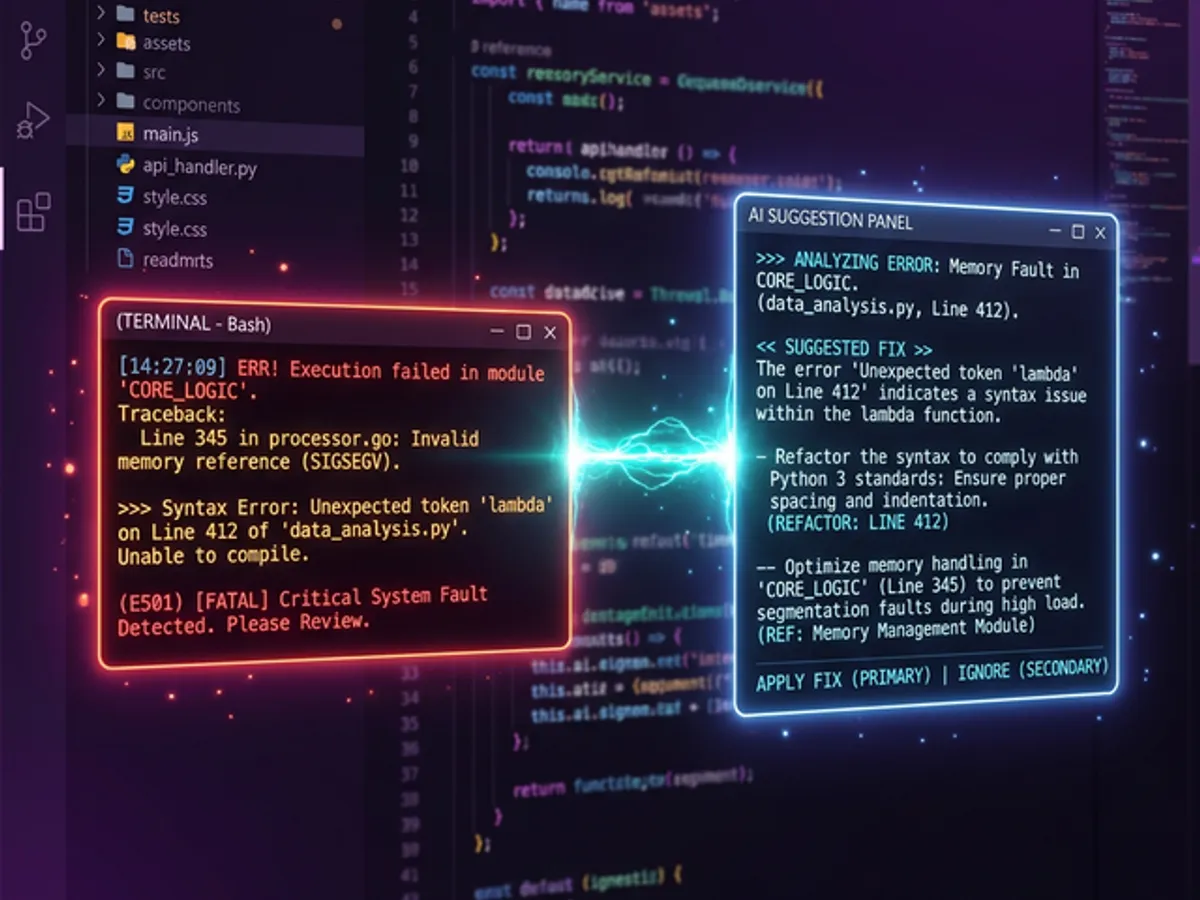
The Real Workflow: A Case Study
The best way to understand the workspace AI advantage is through a concrete example. Here's exactly how the CSS/GPU article came to life — from discovering a performance-killing CSS animation to published technical deep-dive, entirely within the IDE.
Phase 1: The Bug
I noticed the hero section was lagging. I didn't need to explain what "the hero section" was — the AI assistant had access to the component files. I just said:
"The glitch animation is causing lag when hardware acceleration is off"
It immediately opened the relevant CSS file, identified the expensive drop-shadow + clip-path combination, and explained why it was costly — referencing the actual selectors in my actual code.
Phase 2: The Fix
The assistant wrote a GPU detection hook using WebGL's renderer string, created a graceful degradation strategy, and tested it by launching the browser. I reviewed the changes in my editor. No copy-pasting, no alt-tabbing.
Phase 3: The Article
This is where it gets interesting. I said:
"That was cool — write a blog post about what we just did"
The assistant already had:
- The exact CSS that caused the problem (from the project files)
- The JavaScript solution (from the fix it just wrote)
- The performance characteristics (from the debugging session)
- The project's blog format (MDX with custom components)
It wrote a complete technical article with real code samples from the actual codebase — not plausible guesses from training data.
Phase 4: The Thumbnail
I then asked it to generate a thumbnail image. It used the image generation tool, created a GPU-themed graphic, saved it to the right directory, and updated the blog post's frontmatter to reference it.
Total time from "write a post" to published article: about 10 minutes.
Why Context Is Everything
The quality gap between AI with project context and AI without it isn't marginal — it's categorical. A workspace-aware AI produces output grounded in real code, real debugging data, and real project structure. A chat AI produces probabilistic approximations based on training data.
When your AI has full project context, the quality of output goes up dramatically — not because the model is smarter, but because it doesn't have to guess. It's working with facts, not assumptions.
Think about what happens when you ask ChatGPT to write a technical article:
- You give it a topic
- It writes generic content based on training data
- The code examples are plausible but
not realnot from your actual project - The technical details are approximately correct
- You spend 30 minutes fact-checking and rewriting
Now compare that to an IDE-integrated assistant:
- You say "write about what we just debugged"
- It pulls the actual code from your project
- The examples are real — they compile, they run
- The technical details come from the actual debugging session
- You review and publish
Same AI technology, radically different output quality — because of context.
What This Isn't
The most common misconception: IDE-integrated AI is just ChatGPT with file access bolted on. It's structurally different, and the difference is what makes the workflow possible.
| What people assume | What it actually is |
|---|---|
| ChatGPT with file upload | Persistent context across sessions — the AI remembers your project |
| Just for developers | Any profession working with digital files benefits from workspace context |
| Produces generic AI writing | Produces grounded content: real code samples from your actual files |
| Replaces the creativity | Removes the friction — the discovery, judgment, and story are still yours |
| Requires technical setup | Modern tools like Cursor are approachable; the ROI is not close |
The key is that grounding is not a feature — it's the mechanism. A workspace-aware AI doesn't just write faster. It writes from facts instead of approximations.
The Pipeline Effect
Once you set up the infrastructure — blog components, MDX rendering, image generation — you unlock a pipeline:
Discovery → Investigation → Solution → Article
     ↑           ↑              ↑           ↑
     └───────────┴──────────────┴───────────┘
              All within the IDE
Every interesting problem you solve becomes potential content. And because the AI was there for the entire journey, it has the full narrative — the confusion, the breakthrough, the solution. It doesn't need a brief.
Each article you publish this way creates SEO value, demonstrates expertise, and builds an archive of real solutions. The barrier to publishing drops from "spend an afternoon writing" to "say four words to your AI assistant."
The Uncomfortable Truth
ChatGPT and similar standalone AI tools are incredible technologies. But using them for coding is like having a brilliant consultant on the phone while you describe what's on your screen.
An IDE-integrated AI is that same consultant sitting next to you, looking at your monitor, with access to your terminal and your browser.
Which one do you think gives better advice?
Same model, same capabilities — dramatically better output when it can see your project. Context isn't a nice-to-have; it's the primary variable.
Every context switch between editor and chat window costs focus and introduces information loss. IDE-integrated AI eliminates this entirely.
Bug → fix → article is a natural workflow. Not a planned content strategy. The infrastructure makes it happen automatically.
Articles with real code samples and actual debugging stories outperform generic AI-written content every time. IDE-generated content is grounded in facts.
When your AI was there for the entire journey, it already has the story. Four words — "write a post about this" — is all it takes.
This article was written by an AI assistant inside an IDE. It had access to the project files, the previous debugging conversation, and the blog's component library. No clipboard was harmed in the making of this post.
The copy-paste tax isn't a minor inconvenience. It's the mechanism by which most AI-assisted workflows stay mediocre. The moment you remove it — when the AI was there for the bug, the fix, and the follow-up — the workflow stops being a tool and becomes a collaborator.
That's the shift. Context doesn't just make the output better. It changes what's worth producing at all.
→ The IDE Advantage Isn't About Code — why the context advantage applies to every profession, not just developers.
This post is part of our AI Developer Tools guide — the complete breakdown of the AI tools that actually change how we build.