The Complete Guide to AI-Assisted Web Design
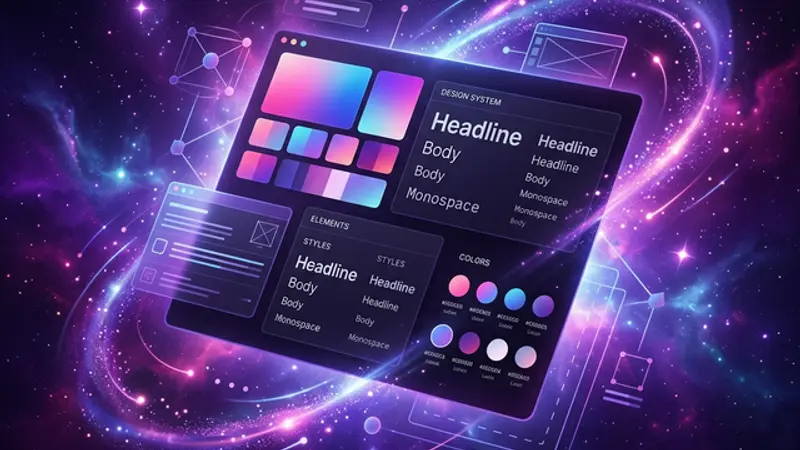
AI-assisted web design eliminates the template trap: instead of picking a starting point and fighting it, you describe a feeling and build from scratch. The catch? AI has poor taste in colors and no understanding of brand identity — you have to bring those. This guide covers everything from the first brief to a shipped site.
The Template Was Never the Limit. Vision Was.
Most web design starts with a template the wrong question. You browse themes, find one that's "close enough," and spend months fighting it — removing what's there, forcing what isn't, compromising where you can't force. The template wins most of those arguments. The result is a website that looks like everyone else who picked the same $60 theme.
AI-assisted web design eliminates the template trap by making custom, from-scratch design accessible to anyone who can describe what they want. Not anyone who can code. Not anyone with a design background. Anyone who can articulate an experience — a feeling, a character, a type of visitor — and be specific about it.
The limit was never budget. It wasn't even skill. It was always clarity of vision.
We built this site from a blank .tsx file. Every component hand-written. Every design decision started with a description, executed by AI, refined by human taste. No templates. No plugin stacks. No "close enough." This guide covers everything we learned along the way.
Contents
- What AI-Assisted Web Design Actually Means
- The Identity-First Design Process
- When AI Gets Taste Wrong — And How to Override It
- Why Your Colors Probably Look Like Everyone Else's
- Building a Component Library With AI
- Why Custom-Built Changes Everything
- Common Mistakes in AI-Assisted Design
- The Complete AI Design Workflow
What AI-Assisted Web Design Actually Means
AI-assisted web design is the practice of using AI tools as your primary execution partner — translating briefs, vision statements, and feedback into code, layout, and components — while the human provides creative direction, taste, and final judgment. The AI writes the code. The vision is yours.
This is not the same as using an AI website builder like Squarespace AI or Wix's ADI. Those tools generate pre-packaged experiences from multiple-choice questionnaires. AI-assisted design starts from nothing and executes your specific description with no preset structure.
The division of responsibilities:
| Role | Human | AI |
|---|---|---|
| Creative direction | ✅ Defines character, feeling, identity | ❌ Defaults to statistical averages |
| Technical execution | ❌ Describes what should happen | ✅ Writes the code that makes it happen |
| Taste | ✅ Applies lived experience and aesthetic judgment | ❌ Has strong execution, weak taste |
| Iteration | ✅ Decides what's wrong and how to fix it | ✅ Implements revisions quickly |
| Brand identity | ✅ Knows what the brand means | ❌ Can't feel gaps between "confident" and "arrogant" |
This collaboration model produces results neither party achieves alone. Human designers produce work with authentic vision but limited capacity and speed. AI alone produces rapid, technically correct work with no soul. Together: custom, well-executed design shipped faster than traditional development.
What is AI-assisted web design? AI-assisted web design is a creative process where human designers provide vision, identity briefs, and taste-based feedback, while AI tools handle code generation, component building, and rapid iteration. The output is fully custom — not template-based — with the speed advantages of AI execution and the quality advantages of human creative direction.
The Identity-First Design Process
The biggest mistake in AI-assisted design is starting with aesthetics. "Make it modern. Make it clean. Make it premium." These instructions produce modern, clean, premium output that looks like everything else that's modern, clean, and premium. Identity-first design asks different questions before touching any tool.
The process that works:
| Step | Question | Purpose |
|---|---|---|
| 1. Define the character | Who is this website? What would it say at a party? | Forces personality before aesthetics |
| 2. Name the experience | What does a visitor feel in the first 3 seconds? | Sets the emotional design target |
| 3. Identify references | 3 sites you find compelling, 3 you find generic | Gives AI concrete anchors |
| 4. State the anti-identity | What clichés should this site specifically avoid? | Pushes AI off its defaults |
| 5. Then | Discuss aesthetics | Now the conversation is specific, not generic |
This process produces a creative brief specific enough for AI to execute with personality. The character question is the most important: "If this website were a person, what kind of person would it be?" Not what it looks like — who it is. That answer drives every decision that follows.
This site's brief: "Back-room lab run by someone building things that shouldn't exist yet. Dark, slightly dangerous, obsessive. The kind of space where the designer knows things you don't." Every aesthetic decision — color, typography, interaction, spacing — was measured against that brief. Does this feel like the back-room lab? Or does it feel like a SaaS landing page?
Before touching any design tool, answer this: If this website were a person, what kind of person would it be? Not what it looks like — who it is. That answer drives every design decision that follows. Bring it to every AI conversation.
Once you have an identity, the translation process is fast. Vision: "Mission control center — dark, sophisticated, subtle glow effects that feel alive without being distracting." AI translation: deep backgrounds, neon indicator accents, minimal animation that suggests presence rather than movement. You review the translation against the brief. Push back where it misses. The conversation is now about feeling, not features.
When AI Gets Taste Wrong — And How to Override It
AI has excellent execution and poor taste. Understanding which category a design decision falls into is the central skill of AI-assisted design. Trust AI on execution. Override it on taste. Every time.
AI executes flawlessly:
- Translating a description into CSS
- Building component hierarchies from a layout description
- Implementing animations and micro-interactions from a brief
- Making components responsive
- Handling accessibility markup
- Refactoring existing code while matching its patterns
AI fails systematically at:
| Design dimension | Why AI struggles |
|---|---|
| Color distinctiveness | Defaults to trending palettes from training data |
| Brand personality | Can't feel the gap between "confident" and "arrogant" |
| Cultural resonance | Doesn't understand regional or subcultural signals |
| Temporal judgment | Can't tell if something feels dated |
| Self-awareness | Doesn't know if the output looks like everyone else |
| Hierarchy of emphasis | Over-emphasizes everything equally or defaults to standard visual weight |
When AI produces output that's technically correct but aesthetically wrong, the override workflow matters:
"This feels corporate. It's too polished. It looks like a SaaS landing page." Specific emotion, not specific pixels. AI responds better to emotional feedback than pixel-level corrections for aesthetic problems.
"More like [specific site] and less like [specific site]." Concrete references are faster than abstract descriptions. AI has seen millions of sites — give it coordinates.
"Keep the layout but change everything about the color and typography." Scope-limit the next pass so you're not starting from scratch.
"Not this, specifically. This is the thing to avoid." AI responds better to negative examples than positive ones when correcting for taste.
The override is not a failure. This site has been overridden hundreds of times. Every significant aesthetic decision went through at least one round of human correction. The AI proposed; we accepted or rejected based on the brief. That's the whole collaboration model.
Why Your Colors Probably Look Like Everyone Else's
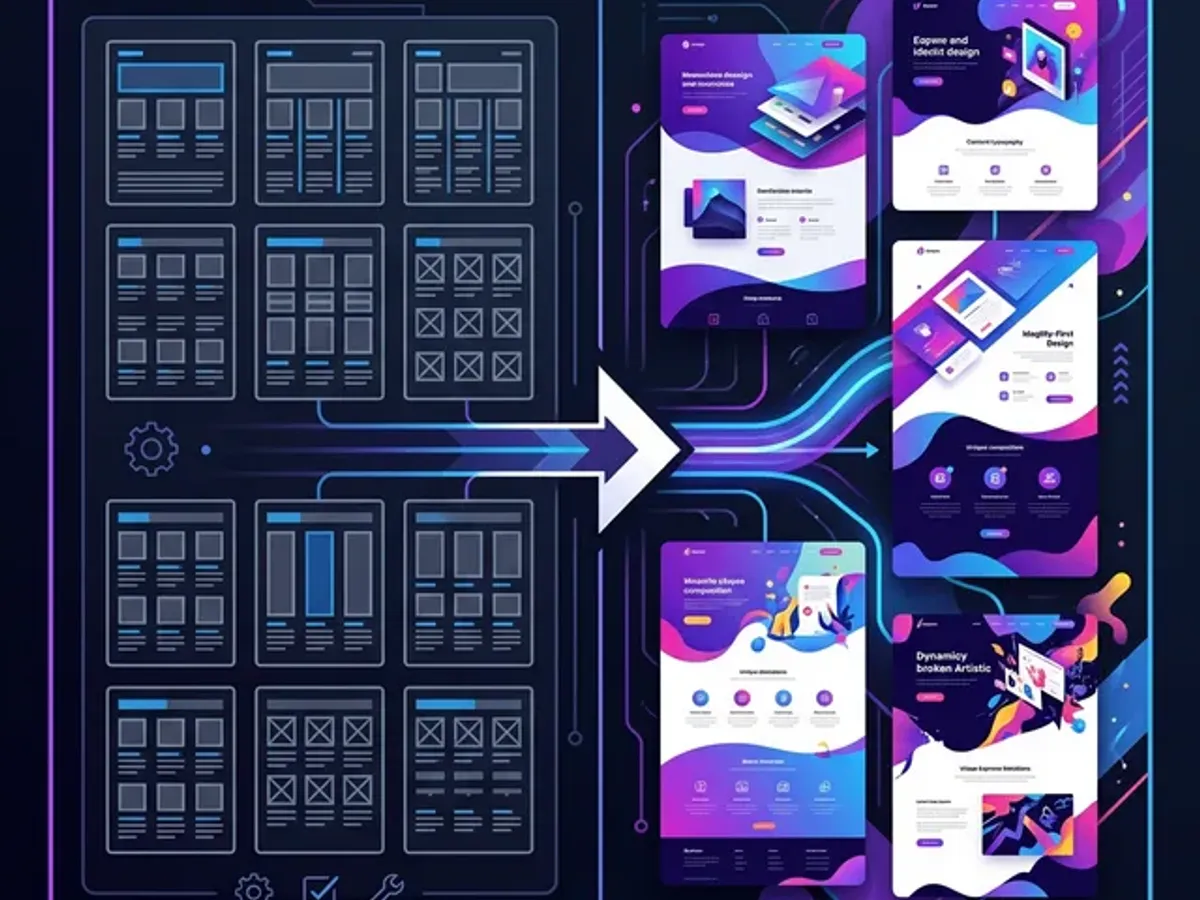
AI-generated web design defaults to the same color palettes because models are trained on the most popular design trends — and the most popular design trend in 2023–2026 is: purple gradients, neon cyan, dark backgrounds, glowing borders, glassmorphism. AI gives you the median of what's been publicly praised. That median is a genre, not an identity.
This site uses that palette. Purple. Dark void backgrounds. Neon accents. We kept it — because the brief called for it, and because it works for the back-room-lab character we defined. But we kept it knowingly, not because AI chose it and we didn't question the choice.
Most people don't question it. They ask for something "modern and techy" and get the median modern-and-techy palette. It's everywhere now. It's the new Bootstrap default.
What to do instead:
| Approach | How to use it |
|---|---|
| Reference avoidance | "Avoid purple/neon/glassmorphism — I want something that doesn't look AI-generated" |
| Emotional color brief | "Warm, not cool. Feels like wood and copper, not steel and glass." |
| Industry inversion | "Everyone in [industry] uses [color]. I want the opposite signal." |
| Era reference | "Feels like 1970s brutalism updated for the web — not 2024 SaaS design" |
| Human curation | Start with a palette tool, pick manually, tell AI to match those specific values |
The honest take: if you briefed your AI on aesthetics without going through the identity-first process first, your colors are someone else's. Not because AI is bad — because you didn't give it enough to work with.
For the full case study — including our actual color choices, why we made them, and what we'd do differently — see AI Picked Our Colors — They're the Most Generic Thing Here.
Building a Component Library With AI
A custom component library — a set of reusable UI elements built specifically for your site — is the difference between a website and a design system. Templates give you someone else's component library. AI-assisted design lets you build your own, piece by piece, from components that match your brief rather than a stranger's vision.
The component-first approach:
Every element on this site started as a component description. "I need a callout box that feels like a side conversation rather than an interruption." "I need a timeline that looks like a technical readout, not a resume template." "I need blog cards that have personality."
What is this element for? What should the user feel when they encounter it? What's its personality in the context of the overall site identity?
Start with how it should feel, then add functional requirements. Not "a callout with an icon, title, and body text" — but "a side conversation, slightly parenthetical, shouldn't feel like an alert, should feel like a whisper."
The first output is almost always too generic. Apply the override workflow. The second or third version is usually where the component develops character.
Once a component is right, save it. Your component library is your design system. Each new component inherits and extends the established aesthetic language.
Does this new component feel like it belongs on the same site as the others? The brief is the consistency check.
A template gives you 100 pre-built components that share someone else's design language. A custom component library starts with 3 components that share your design language, and grows from there. The components are fewer, but they're yours.
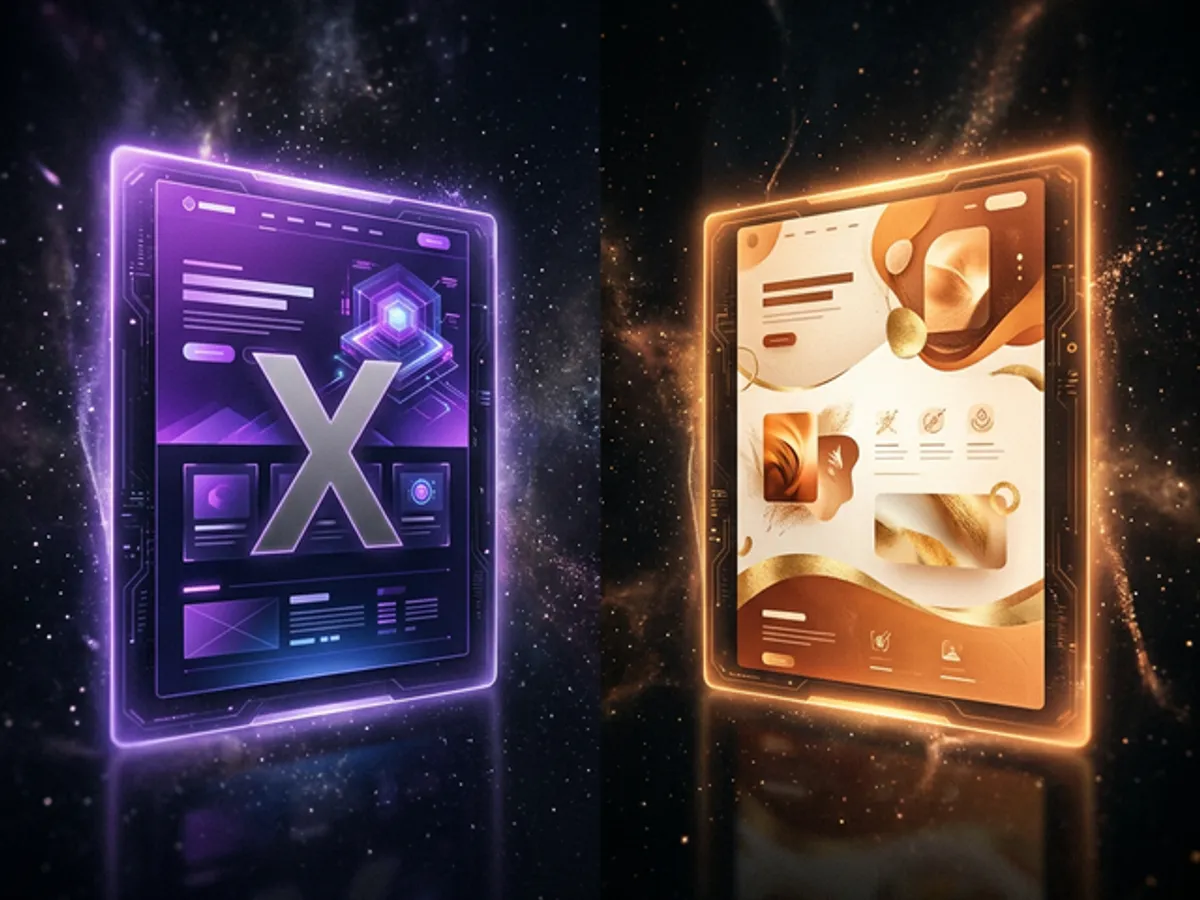
For the full breakdown of every component we've built and shipped — from <Callout> to <Timeline> to <BeforeAfter> — see The Kitchen Sink: Every Visual Tool We Have.
Why Custom-Built Changes Everything
Custom-built websites outperform template-based sites on performance, flexibility, and brand distinctiveness because they're built to your requirements rather than built to cover all requirements. Templates cover everything with average solutions. Custom builds solve your specific problems with specific solutions.
The practical gap in 2026:
| Dimension | Template-based (WordPress) | Custom-built (AI-assisted) |
|---|---|---|
| Performance | Generic caching layer over bloated theme | Purpose-built for your content type |
| Uniqueness | One of thousands with the same theme | Genuinely one of one |
| Flexibility | Limited to theme's design rules | Unlimited — change anything |
| Maintenance | Plugin dependency chain you don't control | Your code, your dependencies |
| SEO architecture | Generic sitemap and schema plugins | Purpose-built for your content structure |
| Speed to change | Constrained by theme update cycles | Change anything in one AI conversation |
The argument for templates was always cost: "Custom development is too expensive." AI has invalidated that argument. A custom-built website now costs a fraction of what it did three years ago — not because design got cheaper, but because execution got faster. The identity work is the same. The translation into working code is dramatically faster.
WordPress powers 43% of the internet. Most of it looks identical. That statistic isn't an endorsement — it's a warning. The most popular tool produces the most predictable results. Custom-built is now affordable. The only remaining argument for templates is familiarity — and familiarity isn't a great design goal.
The most common misconception: "Custom-built means complex." It doesn't. Custom means built to your requirements, whether those requirements are simple or complex. A bakery's custom site can be simpler than their WordPress predecessor — just better architectured, faster, and designed specifically for what a bakery actually needs.
For the detailed argument — including the plugin economy, what "custom web development" actually means, and why most agencies aren't delivering it — see Your Web Developer Probably Can't Code.
Common Mistakes in AI-Assisted Design
The most common failures in AI-assisted web design share a root cause: skipping the identity step and going straight to aesthetics. Everything downstream of a weak brief is weaker for it.
| Mistake | What it produces | How to avoid it |
|---|---|---|
| Starting with aesthetics | Generic "clean modern" output | Run the identity-first process first |
| Feature briefs instead of vision briefs | Technically correct, identityless designs | Describe feelings before features |
| Accepting AI color defaults | Purple-gradient-glassmorphism-everything | Brief against specific aesthetics; curate your own palette |
| No design brief document | Inconsistent output across sessions | Write a brand brief you reference every session |
| Skipping the override | AI taste in, AI taste out | Every aesthetic decision gets human review |
| One component at a time | Components that don't feel related | Build to a design language, not individual elements |
| No performance consideration | Beautiful site that lags on scroll | All animations use CSS transforms — non-negotiable |
The override mistake is the most expensive. Most people use AI and accept the first output because it's technically good. It is. But "technically good" and "distinctively yours" are different targets, and only the override practice closes the gap.
The AI that built this site has been overridden hundreds of times. Overrides aren't failures — they're the human bringing taste to AI's execution power. A design session with zero overrides is a design session where the human brought nothing.
The Complete AI Design Workflow
The AI-assisted design workflow runs in five phases — Identity, Architecture, Execution, Refinement, Performance — each with a distinct human-AI division of labor. Skipping the Identity phase makes every subsequent phase harder and less distinctive.
| Phase | Timeline | Who leads | What happens |
|---|---|---|---|
| Identity | 2–4 hrs | Human | Define character, brief with references, set aesthetic success criteria, identify clichés to avoid |
| Architecture | 1–2 hrs | Collaborative | Page structure, component requirements, implementation plan, design language decisions |
| Execution | Hours–days | AI | Build from vision brief, iterate on aesthetics, resolve technical edge cases |
| Refinement | Ongoing | Human | Override AI taste, adjust to real user behavior, clarify identity as it becomes visible in real code |
| Performance | Parallel | Both | GPU-composited animations, Core Web Vitals, mobile testing on real hardware |
The website you're reading was built through this exact process. The identity phase happened in a 3-hour conversation before the first line of code. The architecture phase produced a series of implementation plans. The execution phase ran in AI-assisted sprints over several weeks. The refinement phase is ongoing — every new feature starts with the brief and measures the result against it.
Every significant design element started with a description. Every description went through the identity-first process. Every component has been overridden at least once. The AI wrote all the code. The vision was always ours.
Where to Go Next
The AI-assisted design workflow compounds. The first component takes the longest — establishing the design language, working through the override process, finding the point where the brief and the output align. Every subsequent component is faster because the brief is clearer and the language is established.
Start with the identity brief. Without it, everything downstream defaults to median.
→ AI Web Design Is Making Templates Obsolete — the full argument for why templates are structurally obsolete, and what custom-built actually delivers.
→ Your Web Developer Probably Can't Code — the industry context: why most "web development" is actually configuration, and what genuine custom development delivers.
→ AI Picked Our Colors — They're the Most Generic Thing Here — the honest case study in AI design failure, including what we'd do differently.
The brief is the thing. Everything else follows from it.